

Learn with Luxo Beta
STAY AHEAD OF THE CURVE
Learn AI tools that empower you to bring your ideas to life.

INDIVIDUAL LEARNING
Online Courses
For individuals who want to build capability at their own pace. Choose from live workshops or self-paced content (available for instant download).
Current course offerings:

ORGANIZATIONAL TRAINING
Custom Content
For organizations who want to support AI in the workplace. We customise our content to your team's function, tools, and skill level. Your team builds in the room, not after it.
Learn more about our offerings:

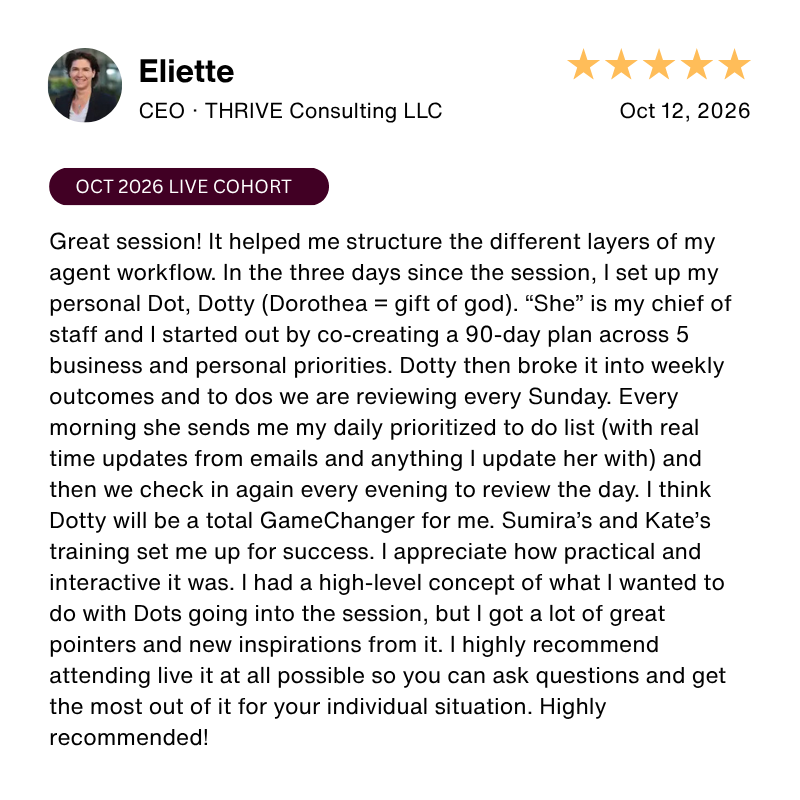
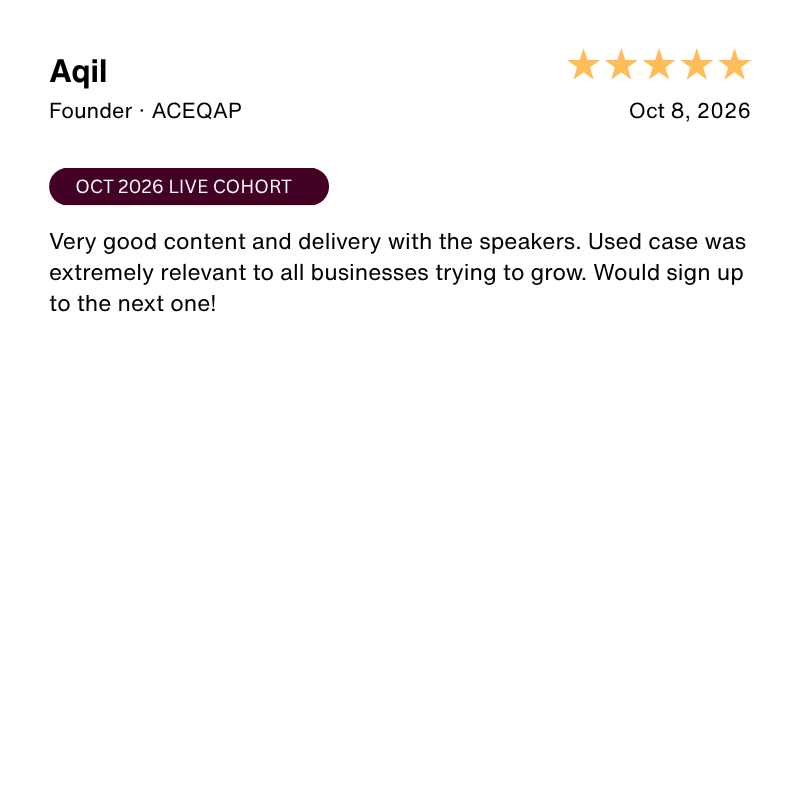
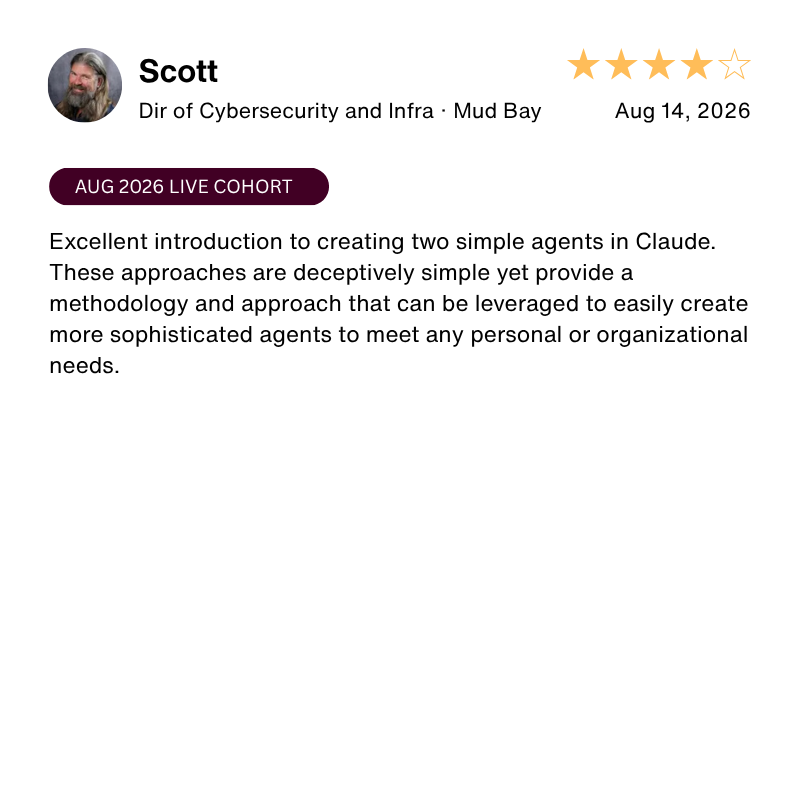
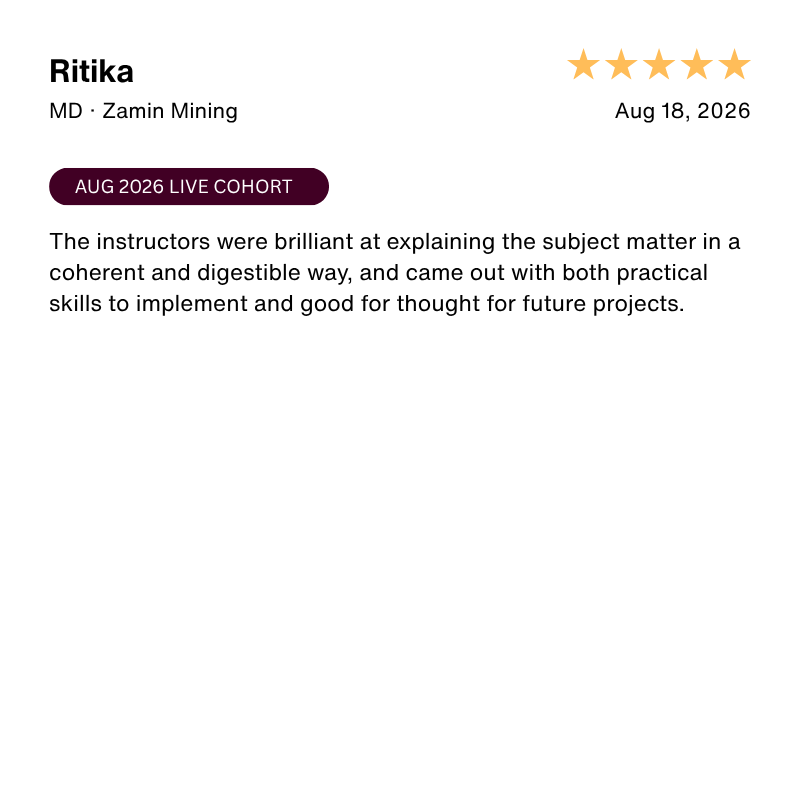
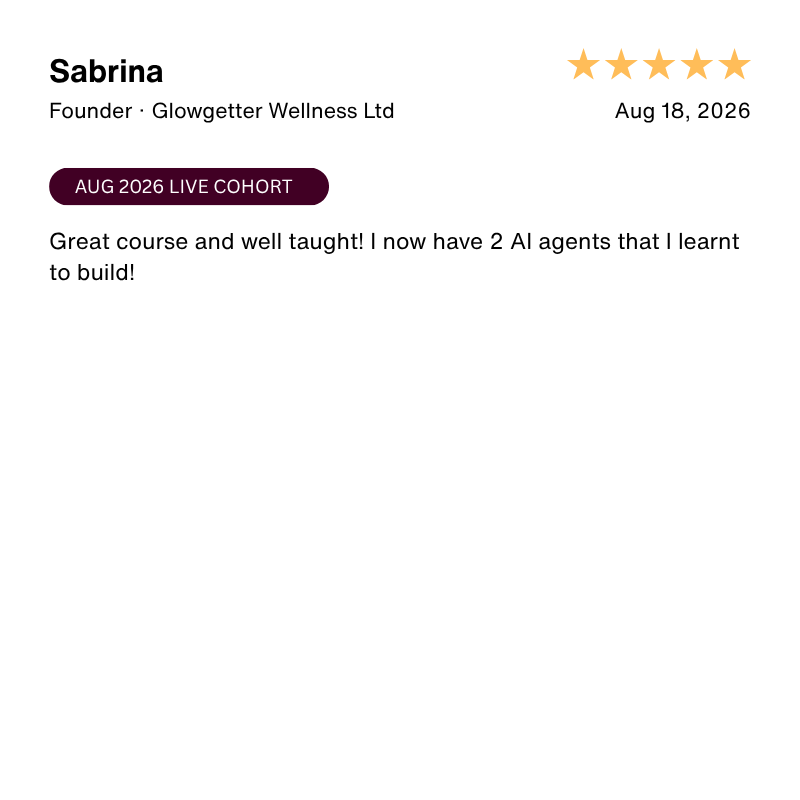
What Students Are Saying
Online Courses

Individual Learning • Cohort-Based or Self-Paced
90 MINUTES • NO CODE
Build a Personal AI Bot
Compare AI bots like Dots, Grok, Muse, and Cue. Then safely configure the right agent, plug in your LinkedIn data, and leave with personal, high-converting outreach ready to review, never spam.
-
Choose a personal AI agent safely. Use it to write outreach that people want.
Personal AI bots are now everywhere. xAI calls its agents teammates. Meta lets you name your Muse. OpenAI put Dots inside ChatGPT. Manus gives each agent its own email address.
You'll learn about:
Dots | ChatGPT
Grok Bot | xAI
Muse | Meta
Bot Mode | Hermes Agent
Cue | Manus
In this hands-on workshop, we'll start by comparing the new personal AI bots. You see what each one does, what it can access, and who it suits best. Then you pick one.
In the second half, we build your agent together, showing you how to build an agent for authentic outreach. It uses your real network. It finds the people worth contacting and drafts a message for each. You then make the final edit.
What we're solving for: Most people use these tools to send more messages. People hate that. They delete mass outreach. They answer messages that show you know them.
You need one input: your LinkedIn connections file.
You will leave with a working agent, a safe setup, and a list of personal messages ready to review.
-
From comparing the new personal AI bots to launching your own outreach agent. Turn your LinkedIn network into a pipeline of opportunities.
Choose the right bot
Compare the new personal agent tools side by side
Know what each tool can access and what it can do for you
Pick the tool that fits your work
Set it up safely
Set permissions and limits before the agent does anything
Decide what data the agent may see
Keep a human check on every message
Build an outreach agent
Use a proven prompt sequence to build the agent step by step
Turn your LinkedIn CSV into a ranked list of relevant connections
Draft messages based on shared history and real context
Keep the outreach authentic
Spot the signs of AI slop
Edit drafts so they sound like you
Build a simple weekly habit for relationship building
-
0:00–0:10 — Welcome and landscape
Quick tour of the five new personal agents and what changed this fall.
0:10–0:40 — 1. Choose and set up a tool
Kate walks through features, setup, and permissions for three tools. You set up your own.
0:40–1:20 — 2. Build together
Samira guides you through the prompt sequence for an outreach agent. Live demo, then you build.
1:20–1:30 — 3. Leave with an output
Review your drafts. Pick your first three people to contact. Q&A.
-
Busy professionals. You want to reconnect with your network but you do not have time to write each message.
Consultants, coaches, and founders. You get work from relationships. You want a system that keeps them warm.
People in career transition. You need to reach the right people with the right message.
-
Request your LinkedIn data download early.
It can take time to arrive.
Create an account for one of the tools.
Some may need a paid plan. Confirm which ones.
Laptop
Bring a laptop.
-
Live sessions
Learn directly from Samira Sohail & Kate Marshall in a real-time, interactive format.Recording
Go back to course content and recordings whenever you need to.Community of peers
Stay accountable and share insights with like-minded professionals.Prompt sequence template
Take home a reusable template of the prompt sequence for building your outreach agent.LinkedIn export checklist
A step-by-step checklist for exporting your LinkedIn connections file before the workshop.

90 MINUTES • NO CODE
Personal AI Agents
Move beyond generic productivity tools. Create two personal agents that remember birthdays, check on friends, and help key habits stick, without tedious notification fatigue. Zero code required.
-
Build two AI agents that remember for you, safely, in 120 minutes, no code.
Most AI advice is about doing more, faster: emails quicker, decks sooner, code shipped in less time. But what's breaking in your life isn't slow. It's forgotten. The birthday you meant to remember. The friend you meant to check on. The habit you keep meaning to start.
You've tried the usual fixes: reminders that fire too late, habit trackers that ask more than they give back. None of them hold, because none do anything with the information. They notify. They don't help.
What you'll leave with
By the end of a single 120-minute session, you'll have two working AI agents, not a slide deck.Agent 1: Connection and Belonging. It pulls birthdays, anniversaries, and milestones from your calendar and contacts, then reminds you early enough to act. Each reminder comes with real options: a message to send, a gift to pick, a dinner to book.
Agent 2: Personal Accountability. You set the goals you're working towards. The agent checks in daily with a short reflection prompt and tracks your answers over time, so you have an honest record of your own patterns.
Both agents run on tools you already have. No code, no developer, and your card details never enter the process.
-
Build agents that remember for you, so you follow through on the people and goals you care about.
Build an agent that remembers birthdays and milestones
Pull dates from your calendar and contacts, or add them manually.
Set reminders that fire early enough to act on, not after the fact.
Turn each reminder into a real option: a message, a gift, a dinner booked.
Build a daily accountability agent for your own goals
Set the goals and reflections you want to track.
Check in daily with a short prompt that asks how you're actually doing.
Build an honest record of your patterns over time, not just a vague feeling.
Scope agent access so it earns your trust, not just your data
Limit each agent to only the calendar and contact data it needs.
Set read-only access as the default, with no payment access, ever.
Confirm exactly what an agent can see before you rely on it.
Extend your agents so they get more useful over time
Add relationship tiers, addresses, and gift preferences.
Shape your agent's memory so it learns your patterns, not starting from zero.
Adapt the same structure to a new use case beyond the two you build here.
Apply the data and memory rules that govern every AI tool you use
Know why paid plans typically opt you out of training on your data.
Track what a tool remembers across sessions, not just within one.
Treat anything you tell an agent as discoverable, not private by default.
Ship two working agents without writing a line of code
Build live, in Claude Cowork, using tools you already have
Leave with agents ready to use the day you finish, not a slide deck.
Keep every decision in your hands: the agent suggests, you decide.
-
Welcome & Introductions & Meet your Agents
Your personal life needs an operator too. See what a working AI agent actually looks like before you build one.
Building the ground rules
Access is not the same as trust. Set the one rule that governs everything you build today: read-only where possible, no payment, ever.
Build Agent 1: Connection & Belonging in Community & Celebrations
Build a live agent that remembers birthdays, anniversaries, and milestones before it's too late, and hands you real ways to act on them.
Guardrails checkpoint: what your agent can see, and where it stops
Walk through exactly what Agent 1 reads and exactly where it stops, short of a transaction.
Build Agent 2: Personal Accountability
Build a live agent that holds you to your goals, asks you honest questions, and tracks your reflections over time.
Global Principles: Data, Memory and Personal rights
Before you build anything, know the rules the platform runs on. This applies to every tool you use today and every one you'll use after.
Wrap-up, Questions & Review
Leave with two working agents, a repeatable permissions rule for anything you build next, and none of your data exposed.
-
Senior professionals whose careers run smoothly while birthdays, old friends, and family moments quietly slip through the cracks.
People who set real goals each year, health, projects, relationships, and have a drawer of trackers that lasted three weeks each.
AI-curious professionals who use Claude daily but have never built an agent, and want one working agent to show for it.
-
Lifetime access
Go back to course content and recordings whenever you need to.Community of peers
Stay accountable and share insights with like-minded professionals.Certificate of completion
Share your new skills with your employer or on LinkedIn.

Custom Content
AI Training Built for Your Organisation’s Specific Use Case

STARTER PACKAGE
Two-Workshops
Our entry point. Two sessions, sold as a package, customised to your team's function, tools, and skill level. Your team builds in the room, not after it.
Scoped to your organisation.
Book a call to get a proposal within 48 hours.
RECOMMENDED
Enablement Program
For organisations that want lasting capability, not a one-day event. Scoped around your roadmap, your tools, and the pace your team can absorb.
Scoped to your organisation.
Most programmes run 4 to 8 weeks.


What Should We Build Next?
The best AI agents are built to solve real-world friction. What’s slipping through the cracks in your workflow that you wish an agent handled?